Productivity
WidgetOS
Your desktop, working for you.
Live desktop widgets for water, habits, focus, your year and your photos, plus Now Playing.
Apple silicon · macOS 14 or later
Small wins, all day.
Good morningSunday 18 OctoberWater1 L of 2 L1.5 L of 2 LHabits2 of 43 of 4Focus1 of 42 of 4
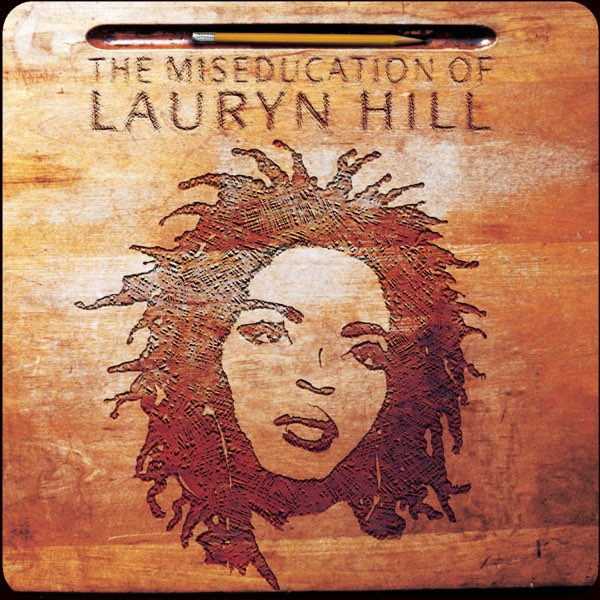
Apple MusicDoo Wop (That Thing)Ms. Lauryn Hill
Water11.5Lof 2 L
Habits23of 4Next: MeditateNext: Move
Focus25:0024:59
Breathe1 minBegin
Illustration. Widgets sit on your desktop, under your windows.
Your day, at a glance.
Today's rings, water, Lock in, a week of habits and three good things on one side; your year in dots, your music and your own photo on the other.
Every day counts. You can see it.
Water with bubbles rising as it fills, a week of habits, the whole year in dots, a journal prompt and three good things.
Glass, or your colour.
Put any widget on glass or a colour of its own, with white or black text. Day on white, the date in pink, your year in black.
Every widget, every size.
All twenty-one widgets at their large size, from Day, Date and Calendar to Stripe, Superwall and Lock in.
Six ways to tell the time.
Classic, minimal, digital, stacked, orbit and the time in words.
Your numbers, at a glance.
Stripe revenue against last period, day by day, with MRR and subscribers; Superwall MRR with its trend and conversions. Shown here with sample figures.
Lock in. One tap.
FocusOS's Lock in card on your desktop: tap to lock in, watch the dots fill, pause or end without opening FocusOS. Every Odd Mac app sits a tap away.
Pick a widget. Pick a size.
Browse twenty-one widgets with live previews on a desktop in miniature, pick small, medium or large, and add them in one click.
Light or dark. Always calm.
Clear glass that takes on your wallpaper and catches the light at its edges. A solid style is there too.
What it does. Self-improvement widgets for your Mac desktop.
Water, habits, focus, journal, breathing and sleep
Now Playing for Apple Music and Spotify
Your year in dots, calendars, clocks and photos
Stripe and Superwall widgets for founders
21 widgets, each in small, medium and large
Your own colours and names, snapped into line
Good to know.
A free preview, separate from the paid bundle. Now Playing asks once for Automation, and the Odd Mac widget needs Accessibility to press app shortcuts. Stripe and Superwall keys stay in your Keychain; everything else stays on this Mac.
WidgetOS. Try the free preview.
- Apple silicon
- macOS 14 or later